Install LanGuard
Deploy the Docker stack, understand host networking, and complete the first sign-in.
Open installation guideEverything you need to deploy LanGuard, understand what it finds, and keep a clear inventory of the devices on your network.
Deploy the Docker stack, understand host networking, and complete the first sign-in.
Open installation guideChoose scan methods, define network ranges, and learn how LanGuard identifies devices.
Explore device discoveryConfigure attention rules, notifications, quiet hours, and delivery channels.
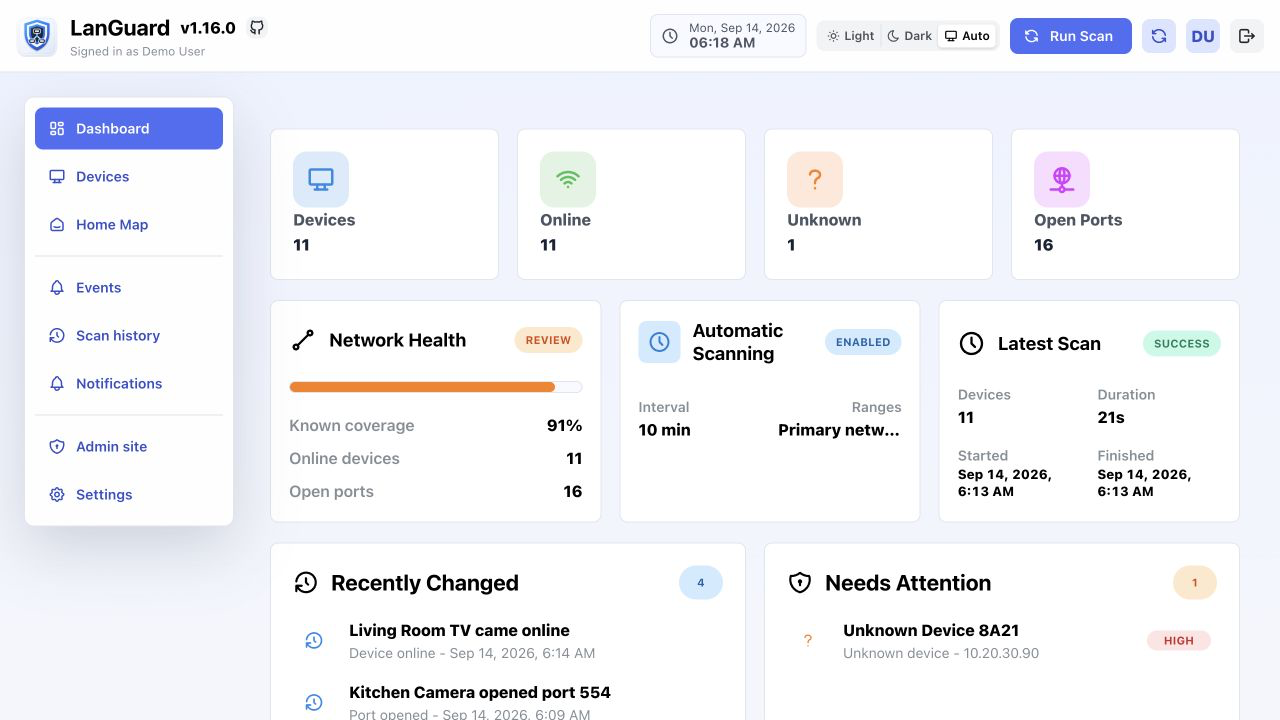
Review devices and alertsLanGuard keeps discovery, inventory, attention findings, and integrations in one focused interface for home and small-business networks.
Identify devices, vendors, addresses, ports, rooms, roles, and status.
Review availability timelines, scan comparisons, events, and IP changes.
Connect AdGuard Home, HomeBox, Speedtest Tracker, and automation tools.
Archive devices, trigger Wake-on-LAN, run detailed port scans, and manage access.
The documentation search runs locally and covers every guide on this site.